Where to Play Conquer the Galaxy
Official free browser and Android destinations plus setup tips for clean sessions.
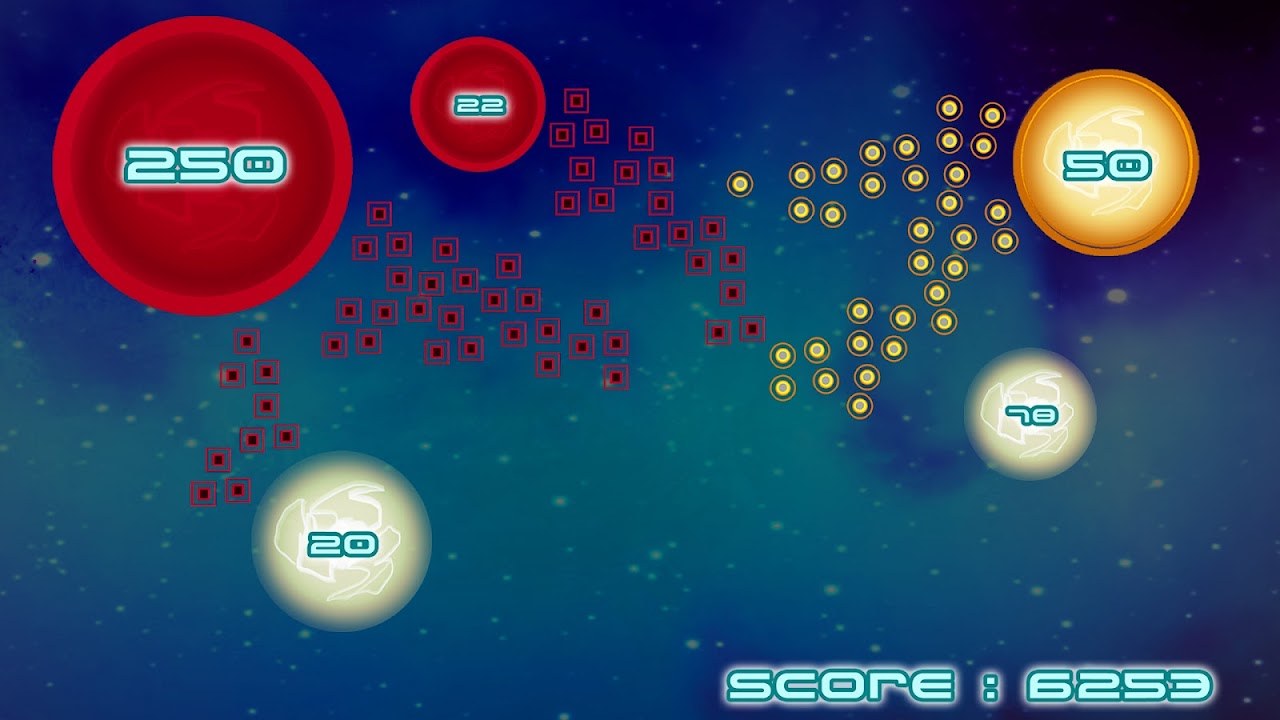
Conquer the Galaxy is a free HTML5 strategy game by PLAYTOUCH. You do not need Roblox, a launcher, or a paid licence to start. This hub lists trusted places to play, device tips, and links into guides so you can jump from install to first win quickly.
Official and verified destinations
Playzool (browser). PLAYTOUCH points players to the live web edition on Playzool for zero-install HTML5 play. Open the game in a modern desktop or mobile browser and use landscape mode for the best layout. Primary consumer URL pattern: playzool.com games conquerTheGalaxy.
Google Play (Android). Package ID net.playtouch.conquerthegalaxy is published under PLAYTOUCH. Install from the official store listing rather than unknown APK mirrors.
PLAYTOUCH / studio pages. Developer specs list GCODE conquerTheGalaxy, landscape HTML5 targets, and B2B licensing notes. Use studio pages to verify mode counts and input support when a portal blurb looks outdated.
Licensed HTML5 portals. The game also appears on curated casual and kids-safe hosts that license Playtouch titles (examples documented across KidzSearch-style portals and similar HTML5 catalogues). Prefer portals that load the real WebGL build, document hold-to-send / double-click controls, and do not ask for unrelated account passwords.
Confirm fresh links on the links hub and platform notes on updates. After launch, warm up with controls and advanced controls.
Device checklist
- Stable internet for the browser build.
- Landscape orientation on phones and tablets.
- Enough performance for smooth Canvas / WebGL — close heavy tabs if input lags.
- Readable brightness so unit counters stay clear during Time Attack.
Input details for mouse, touch, and keyboard live on controls.
After you launch
- Complete one warm-up map with getting started.
- Practise half-sends from controls.
- Pick a mode guide: Time Attack or Versus mode.
- Use strategy rank for openings and tools before risky commits.
Accounts, saves, and languages
Many browser embeds play instantly without creating an account. Android follows normal Play Store install flow. PLAYTOUCH lists broad in-game localisation (dozens of languages including RTL and CJK). This wiki currently offers English, French, German, and Spanish articles — language switching sits in the header.
Safety tips
Stick to known stores and the developer’s consumer portals. Decline downloads that claim “unlimited troops mods.” This wiki does not host scripts or cracks. Fair play keeps matches predictable so strategy guides remain accurate.
Community expectations
Conquer the Galaxy is a single-player tactical experience against the clock or AI. There is no large competitive ladder documented by the studio. Share tips with friends by linking specific wiki pages such as strategy tips or the level walkthrough.
Free access reminder
You should not need redeem codes to start. See Free Play for details. If a site demands payment for the base HTML5 game, leave and use a verified destination instead.
When your session is running smoothly, return to the guides hub and keep climbing the twenty-level structure with better routes each run.
Frequently Asked Questions
Quick answers to the most common questions.